Why your AI coding agent is burning tokens on browser automation
Browser automation with AI agents sounds magical until you see the bill. Every screenshot, every DOM snapshot, every page navigation — it all gets stuffed into the context window. Your tokens evaporate faster than you can say "take a screenshot."

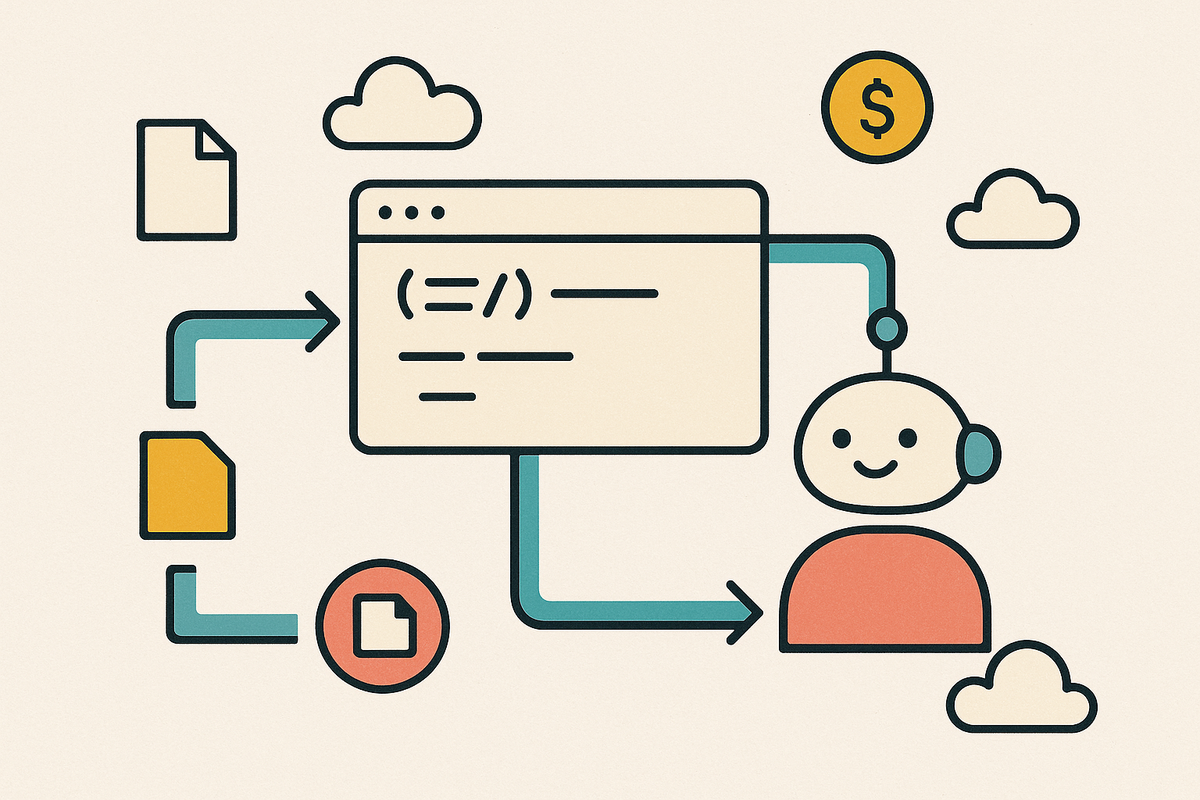
Browser automation with AI agents sounds magical until you see the bill. Every screenshot, every DOM snapshot, every page navigation — it all gets stuffed into the context window. Your tokens evaporate faster than you can say "take a screenshot."
Playwright recently released a CLI tool that takes a fundamentally different approach. Instead of pumping everything through the LLM, it writes to disk and lets your agent decide what to read. The token savings are significant.
The problem with MCP
Most AI coding agents use MCP (Model Context Protocol) for browser automation. MCP works, but it has a fundamental design flaw: everything goes back to the LLM.
When you ask Claude to take a screenshot and save it, here's what happens with MCP:
- The browser takes the screenshot
- The image bytes get sent back to the LLM
- The LLM receives the image tokens
- The LLM tells the tool to save the file
See the problem? You wanted a file on disk. Instead, you got a round-trip through the context window. Those image tokens now live in your conversation forever.
The same thing happens with page snapshots. MCP captures the accessibility tree of a page and sends it all back. Even a simple documentation page can explode your context with DOM nodes, scripts, and content you never needed to see.

The Playwright CLI approach
Playwright CLI flips the model. Instead of sending data back to the LLM, it saves everything to files. Your coding agent then decides what it actually needs to read.
Think about a typical automation task: navigate to a page, check some content, take a screenshot for documentation. With MCP, you're paying tokens for the full page snapshot and the screenshot image — even if you just wanted to verify something existed.
With CLI, the agent navigates and captures without reading anything back unless it needs to. Files appear on disk. The agent knows they're there. No tokens wasted on content it didn't need to analyze.
When to use which
CLI shines when you're using a coding agent like Claude Code or GitHub Copilot. These agents already have file access. They can read snapshots when needed and ignore them when they don't. The token savings compound across long sessions.
MCP still makes sense for standalone agentic loops where you need strict protocol compliance or don't have file system access. It's also more established and widely supported.
Quick decision guide:
Use CLI when:
- You're running Claude Code, Copilot, or similar coding agents
- Your tasks involve testing, development, or documentation workflows
- Token efficiency matters (it always should)
- You're running multiple browser sessions in parallel
Use MCP when:
- You're building a custom agent without file access
- You need strict MCP protocol compatibility
- You're integrating with tools that only speak MCP
Getting started with Playwright CLI
Setup takes about 30 seconds:
# Install globally
npm install -g @playwright/cli

# Initialize a workspace
playwright-cli install

# Add skills for your coding agent
playwright-cli install-skills
The workspace isolation is useful — each project gets its own browser instances and configuration. No cross-contamination between different automation tasks.
The bigger picture
This pattern applies beyond browser automation. The most token-efficient AI workflows minimize what goes into context. Write to files. Read selectively. Let the agent decide what it needs.
MCP was designed when context windows were smaller and every tool needed to report back immediately. Now we have agents with file access and large context limits. The bottleneck shifted from "can we fit it" to "should we fit it."
Playwright CLI is one of the first tools built for this new reality. Expect more tools to follow the same pattern: disk as buffer, agent as gatekeeper.

I offer hands-on consulting to help you resolve technical challenges and improve your CMS implementations.
Get in touch if you'd like support diagnosing or upgrading your setup with confidence.